





What Is a HEIC File, and Why Won't It Open?
HEICJPG
In short
A HEIC file is a photo in the format your iPhone has used since iOS 11 (2017). At the same quality, it’s about half the size of a JPG. The catch: Windows PCs without an add-on, many upload portals and some Android phones can’t open HEIC. A Microsoft Store extension only fixes your PC.
With our free HEIC to JPG converter you turn your photos into normal JPGs that open everywhere, many at once, no software. Try it now.
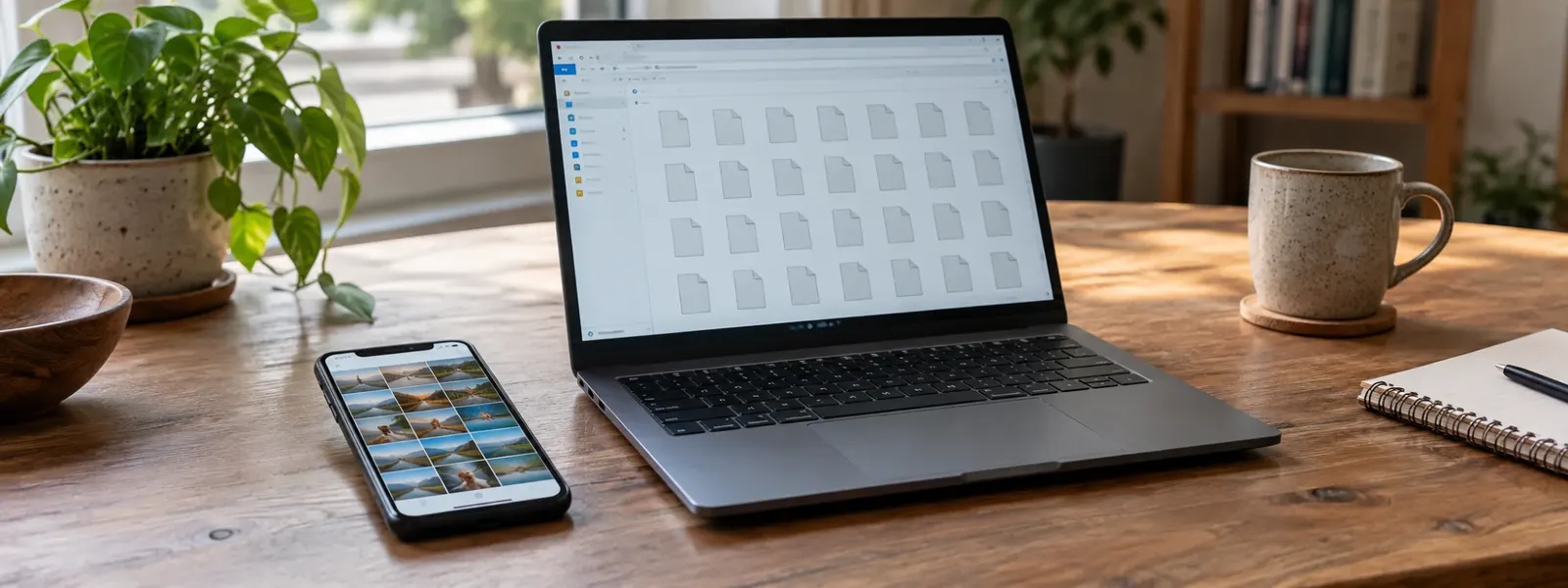
Convert HEIC to JPG →You copied photos from your iPhone to your PC, and instead of pictures you see a bunch of files ending in .heic. You double-click, and nothing happens. Or the upload portal says “Format not supported”. Here you’ll learn in plain words what HEIC is, why it causes you trouble and how to open your photos anywhere.
What is HEIC?
HEIC is an image format Apple has used for photos on iPhone and iPad since iOS 11 in 2017. It stands for “High Efficiency Image Container”. The camera setting for it is called High Efficiency.
Three similar abbreviations come up here:
- HEIF is the open standard, a kind of container for images.
- HEVC (also called H.265) is the method used to compress the image inside it. It comes from video technology.
- HEIC is Apple’s version: a HEIF container with an HEVC image.
So a HEIC file contains a photo, not a video. For Live Photos, your iPhone stores the short clip as a separate file next to it.
HEIC vs JPG: the comparison
| HEIC | JPG | |
|---|---|---|
| File size at the same quality | about half the size | baseline |
| Colors | up to 16-bit, more shades | 8-bit |
| Transparent areas | possible | not possible |
| Opens on iPhone, iPad, Mac | yes | yes |
| Opens on Windows | only with an extension | yes |
| Opens on Android | usually from Android 9 | yes |
| Upload portals, forms | often rejected | almost always accepted |
In short: HEIC saves storage on your iPhone, JPG works everywhere. That’s why it makes sense to keep HEIC on your iPhone and only convert the photos you pass on.
Why won’t HEIC open?
Because not every device knows the HEVC method. It requires license fees, so not every manufacturer includes it.
- Windows: The Photos app only shows HEIC once HEIF Image Extensions and HEVC Video Extensions from the Microsoft Store are installed. The HEVC extension sometimes costs money there, and on work PCs you often aren’t allowed to install anything.
- Upload portals and forms: Government sites, job application portals and online stores usually only accept JPG, PNG or PDF.
- Older Android phones and programs: Older devices and some image programs don’t know the format.
Getting to your photos: a quick look by device
- iPhone, iPad, Mac: They open without any add-on. On a Mac, you can convert to JPG in Preview with File, Export.
- Windows 11 and 10: Install the extensions from the Microsoft Store (see above). That only helps on your own PC, though. Anyone you send the photos to still has the problem.
- Android: Google Photos and Samsung Gallery usually show HEIC. If it doesn’t work, convert the photos in your phone’s browser.
For every step on Windows, Android and Mac, see the guide How to open a HEIC file. Your photos only open reliably everywhere as JPGs. The fastest way is in your browser: select all your HEIC photos, convert them with HEIC to JPG and download them as a ZIP. No installation, and your photos aren’t uploaded to any server.
Which format should you convert to?
- JPG for almost everything: email, upload portals, Windows PCs, printing. Small and readable everywhere.
- PNG if you want to edit the photo without loss or a program asks for PNG: HEIC to PNG. The file will be much larger.
- PDF if the photos should be sent as one document, like the front and back of an ID: HEIC to PDF. How to do this right on your iPhone is shown in the guide How to make a PDF on iPhone from photos.
Should you switch your iPhone to JPG?
You can, but you rarely need to. Under Settings > Camera > Formats, choose Most Compatible. Your iPhone then saves new photos as JPG. They take about twice as much storage, and your existing photos stay HEIC.
This setting is usually the better choice: under Settings > Apps > Photos, scroll all the way down to Transfer to Mac or PC and choose Automatic. Your iPhone then converts photos to JPG on its own when you copy them over a cable. It doesn’t apply to AirDrop, cloud links or files from the Files app, though. How to convert iPhone photos to JPG without changing your camera is shown in HEIC to JPG on iPhone.
Three myths about HEIC
- “Renaming to .jpg is enough.” No, the file stays HEIC. The guide How to change a file extension explains why.
- “There’s a video inside a HEIC file.” No, only the photo. The video of a Live Photo is a separate file.
- “Converting has no loss at all.” JPG compresses too. At high quality, you won’t see a difference, but only PNG is fully lossless.
FAQ
Is HEIC better than JPG?
For storing photos, yes: HEIC photos are about half the size at the same quality and can hold more colors. For sharing, no: every device, program and upload portal opens JPG, but not HEIC. That's why many people keep HEIC on their iPhone and only convert the photos they send to JPG.
Can I just rename .heic to .jpg?
No. Renaming only changes the name, not the content. The file stays a HEIC image with the wrong extension, and many programs and portals then reject it as damaged. You need to really convert the photo, for example with a HEIC to JPG converter.
Why can't the person I sent my iPhone photo to open it?
You probably sent the photo as the original file, for example via AirDrop, as an email attachment from the Files app or through a cloud link. Then it arrives as HEIC, and a Windows PC without the extension can't show it. Convert it to JPG first, or share it from the Photos app, which usually creates a JPG when sharing.
Do I lose quality when converting HEIC to JPG?
A little, because JPG compresses too. At the highest quality setting, you won't see a difference in everyday use. If you need the image lossless, for example for editing, convert it to PNG. The file will be much larger, though.
What's the difference between HEIC and HEIF?
HEIF is the general standard, a kind of container for images. HEIC is the version Apple uses: a HEIF container with the image stored using the HEVC method. For you as a user, they're practically the same. You open and convert both extensions the same way.
The key points
- HEIC is the iPhone photo format, the default since iOS 11 in 2017.
- At the same quality, HEIC photos are about half the size of JPGs.
- Windows without an extension, many upload portals and some Android phones can't open HEIC.
- Renaming to .jpg doesn't help. The photo has to be converted.
- The iPhone setting Most Compatible only applies to new photos.
- HEIC photos often contain the location where they were taken. Converting with Filemanta removes it.
Read next
JPG vs PNG: Which Format Should You Use When?
4 min read
How to Turn a JPEG into a PDF on Mac and Windows, Without Software
5 min readMatching tools
Try it now – 100% free, no server upload, right in your browser.HEIC to JPG →